Website powered by

Recreating Icelandic Landscapes in Unreal Engine 4 - Post 8

Work In Progress / 12 February 2020

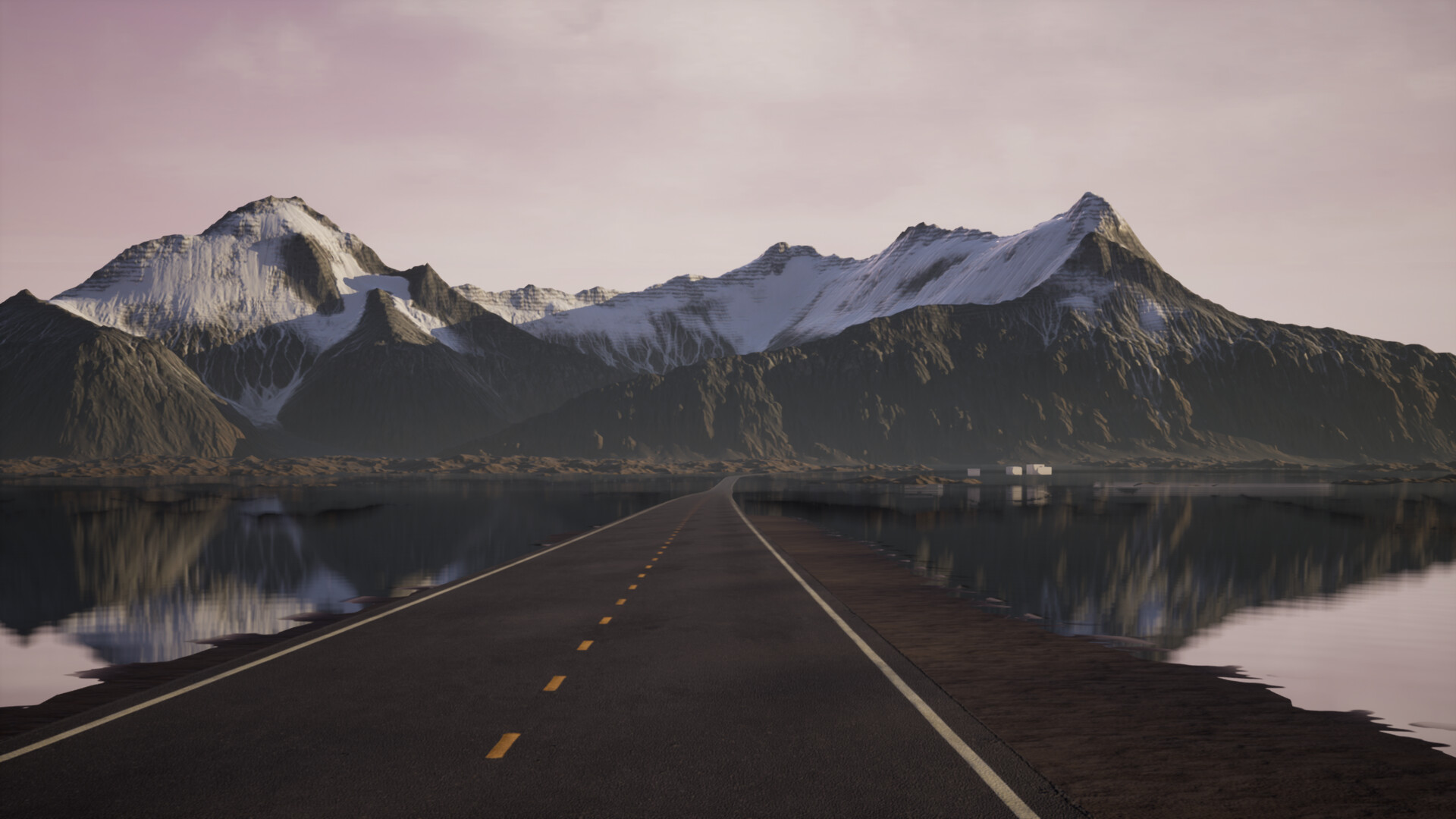
Now that the first pass on the textures is ready, I decided to import them into UE4 to see how everything looks together. I also started working on the landscape material. One thing I want to keep from my inicial reference is the reflection on the water, I think it brings more detail into the scene. I am using a planar reflection to improve the quality of the reflections.

  

Recreating Icelandic Landscapes in Unreal Engine 4 - Post 7

Work In Progress / 12 February 2020

A easy workflow in Substance Painter is to create groups for each mask, so I can easily modify and reorganize the layers. I used a high poly mesh export from world machine to bake the ambient occlusion, normal map and cavity, so the smart materials have more data to work with.


Recreating Icelandic Landscapes in Unreal Engine 4 - Post 6

Work In Progress / 12 February 2020

Now it is time to import the mesh and textures into substance painter. I created a few pngs with the mask coming from world machine, to use them as group mask in substance.


Recreating Icelandic Landscapes in Unreal Engine 4 - Post 5

Work In Progress / 10 February 2020

To create realistic textures, I am using all the masks that I can get from World Machine (Slope, Flow, Wear, Deposition...) that I will turn into different materials later on.

As I am going to export the mountains as a single mesh and not as a heightmap to have more control about the geometry, material and viewing distance, I decided to create the final textures using substance painter. But just for fun (well and to see how they work) I assigned some basic colors to the masks in World Machine. This is the result:


Recreating Icelandic Landscapes in Unreal Engine 4 - Post 4

Work In Progress / 10 February 2020

It is time to start sculpting the terrain! I imported the heightmap into world machine, and applying some basic nodes like erosion, terrace and height mask, I added more detail to the mountains. One of the main goals was to keep the same size as the original blockout, but adding all the detail necessary to create a realistic background.


Recreating Icelandic Landscapes in Unreal Engine 4 - Post 3

General / 10 February 2020

To get a better idea of how the mountains will look, I used the new landscape blueprint brushes to create some basic shapes. While this is a quick and easy way to modify the landscape, I have to say that the performance on my laptop was really poor. After using three layers of the new landscape system, I decided to export the heightmap and merge all the layers together to improve the performance. With a better desktop computer this step may not be necessary, but I really needed to improve my editor speed.

This is the resulting heightmap:


Recreating Icelandic Landscapes in Unreal Engine 4 - Post 02

General / 10 February 2020

I really like the perspective of my second reference, so I am going to adjust my UE4 cinema camera to macht that one, using a 35mm focal length that I think will be similar to the one used to capture the image. Using a UE4 landscape, I made a quick blockout, using the landscape editor and one spline. I created a basic landscape material just to see the landscape better.


Recreating Icelandic Landscapes in Unreal Engine 4 - Post 01

Work In Progress / 10 February 2020

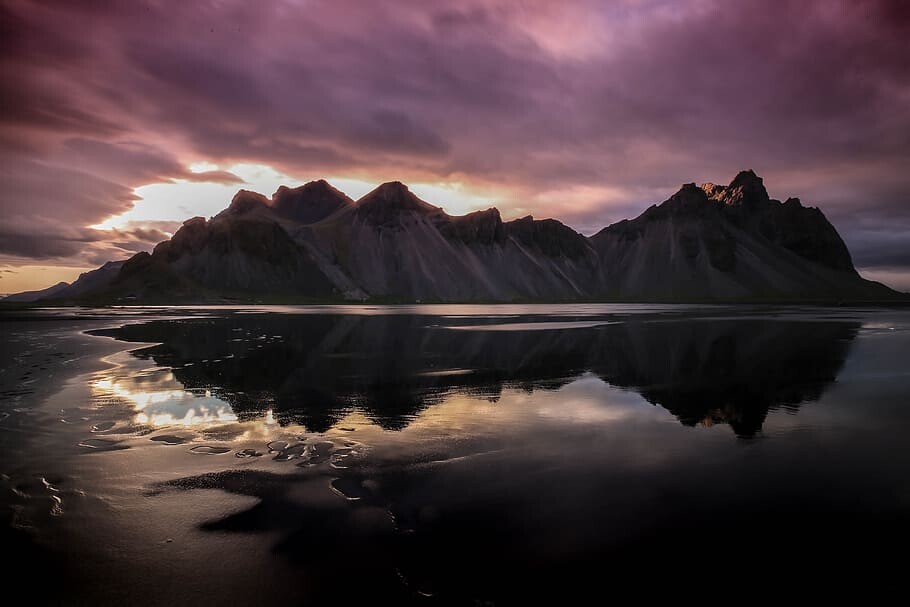
After my trip to Iceland, I decided to recreate some of the stunning landscapes of the island. I choose to combine this two references, to show the huge flat lava fields surrounded by unique tall mountains, as well as adding some water reflections to make the landscape more interesting.

It is as well a good opportunity for me to test the new Landscape tools on Unreal Engine 4.24, and creating a non-destructive landscape workflow that I can use on future projects.